
A dictionary that builds itself
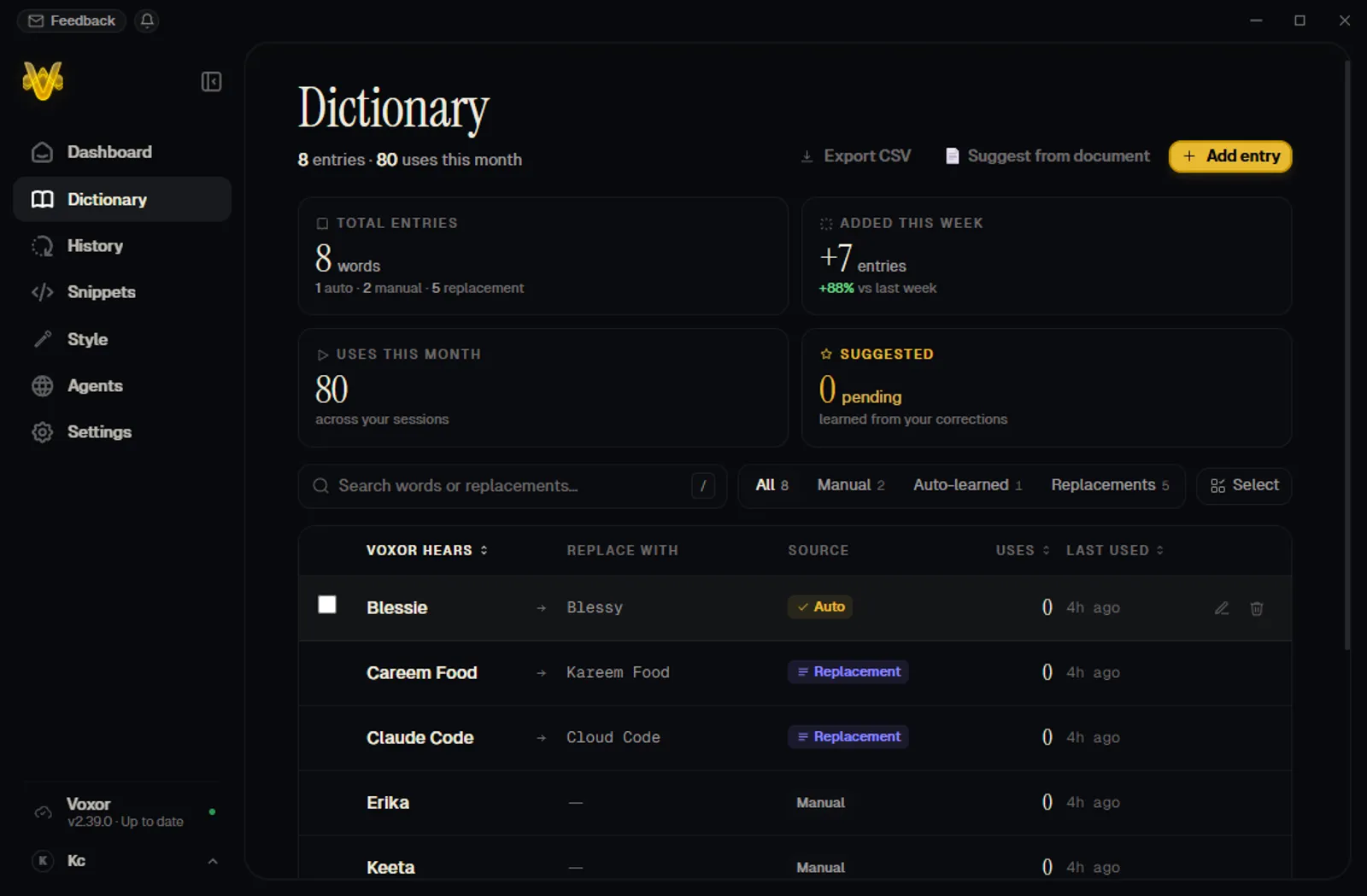
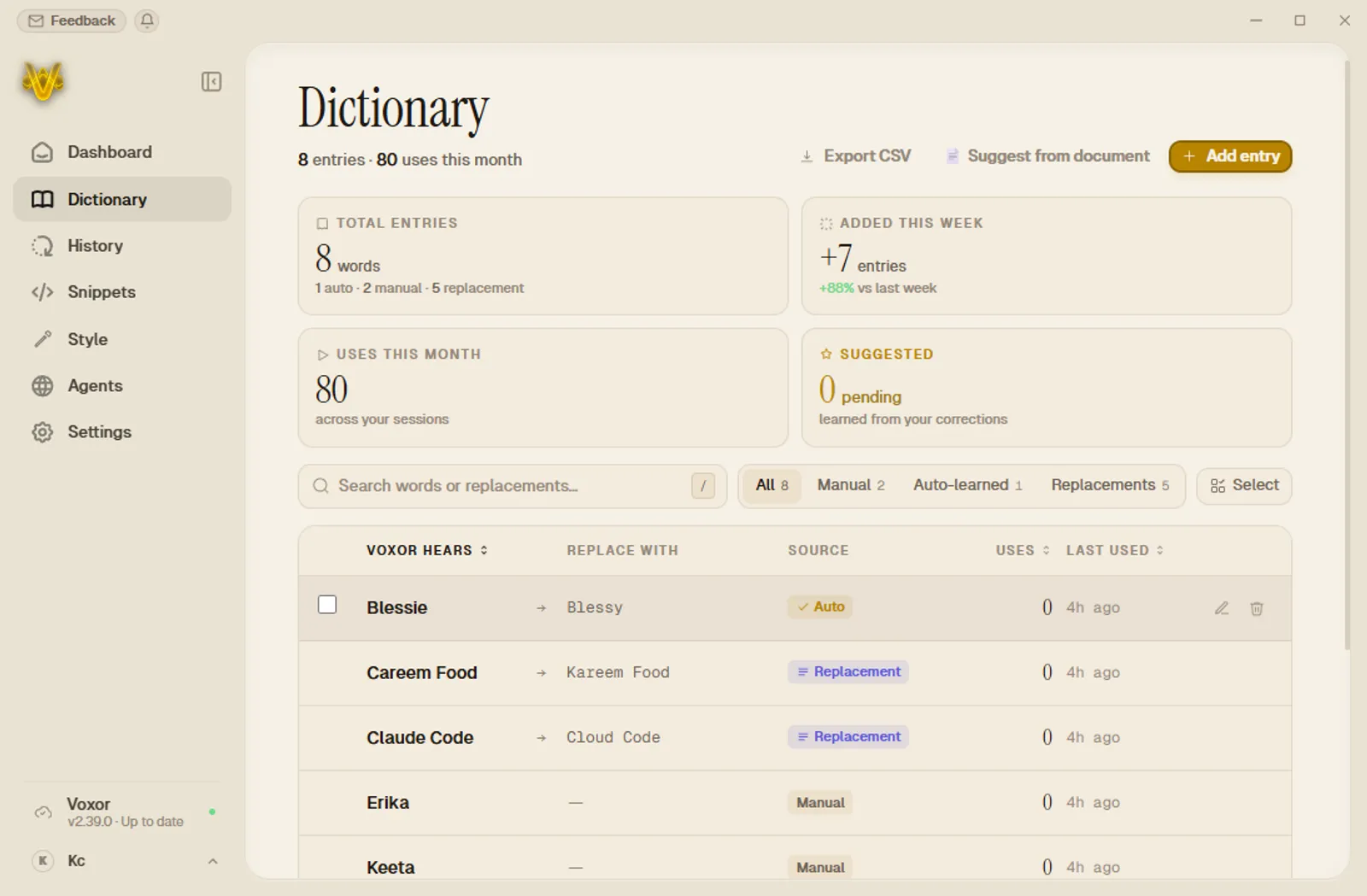
Quick-add any highlighted text with a hotkey, extract jargon from your documents with AI, or let it learn from your own corrections.
Meet Vox · your voice command deck
Free tier included · No credit card · Other platforms
Three things no other dictation app has
Voice agents
Speak from any app → your n8n / Make / webhook fires → the reply lands in a popup. No competitor ships this.
True local mode
Transcription and AI cleanup run 100% on-device. Flip the switch and your voice physically cannot leave the machine.
Quick picker
Hold a key, flick your mouse, every voice tool in a radial under your cursor, without ever leaving the app.
since you landed, you could’ve spoken 0 words · typed: 0.
[01] raw → polished
Speak the way you actually think. Voxor strips the filler, fixes the grammar, and styles the result for wherever your cursor is, same words in, different register out.
uh okay so I was talking to the team about the launch and like we basically agreed that we need to push it to next tuesday because the api integration isn’t done and also marketing still needs the final copy you know and I think we should do a dry run friday
60 words · 6 fillers · one breath
30 words · casual · warm
[02] voice agents · nobody else has this
Every n8n workflow, Make scenario, or HTTP webhook becomes a voice command. Speak from any app, Voxor pipes the transcript to your endpoint and shows the reply in a popup you can keep chatting with.
Context goes straight to your endpoint, screenshots and highlighted text are never routed through Voxor’s backend for webhook agents.
hold hotkey to trigger
ACTIVE AGENTS
unlimited
PER-AGENT HOTKEYS
yes
FOLLOW-UP CHAT
built in
[03] the engine switch
Competitors sell retention policies. Voxor ships an actual on-device stack: GPU-accelerated speech recognition plus a local AI engine for cleanup, translation and instruction mode. Flip the switch, your audio simply never leaves.
Hard guarantee in code: Local Mode never silently falls back to cloud, a missing model is an error, not an upload.
cloud engine, when you want maximum accuracy
Streaming pipeline
audio streams while you speak, the finished, polished line lands the instant you release the key
100+ languages
plus live voice translation between them
Screen context (opt-in)
Voxor can see the active window so names and jargon come out right, off by default
Automatic fallback
if streaming hiccups, batch transcription takes over, you never lose a take
[04] quick picker · ultra
Every voice tool you have, in a radial under your cursor, it never steals focus from the app you’re in. Tap the same key instead and you get a searchable command palette.
+ flick
Instruct
MODE · fixed slot
Speak a command instead of dictating, rewrite, reply, transform whatever you highlighted.
tap Q instead → command palette
[05] instruction mode
A separate hotkey for “do this” instead of “type this”. Voxor grabs whatever you’ve highlighted as context, runs your spoken instruction through an LLM, cloud or fully local, and pastes the result right where your cursor is.
Hi Dana,
Thanks for sending the revised scope over. I think we probably can’t really commit to the timeline you mentioned and honestly it might be better if we maybe push things back a bit. Happy to walk through the details on a call.
Best,
Sam
[06] the rest of the deck
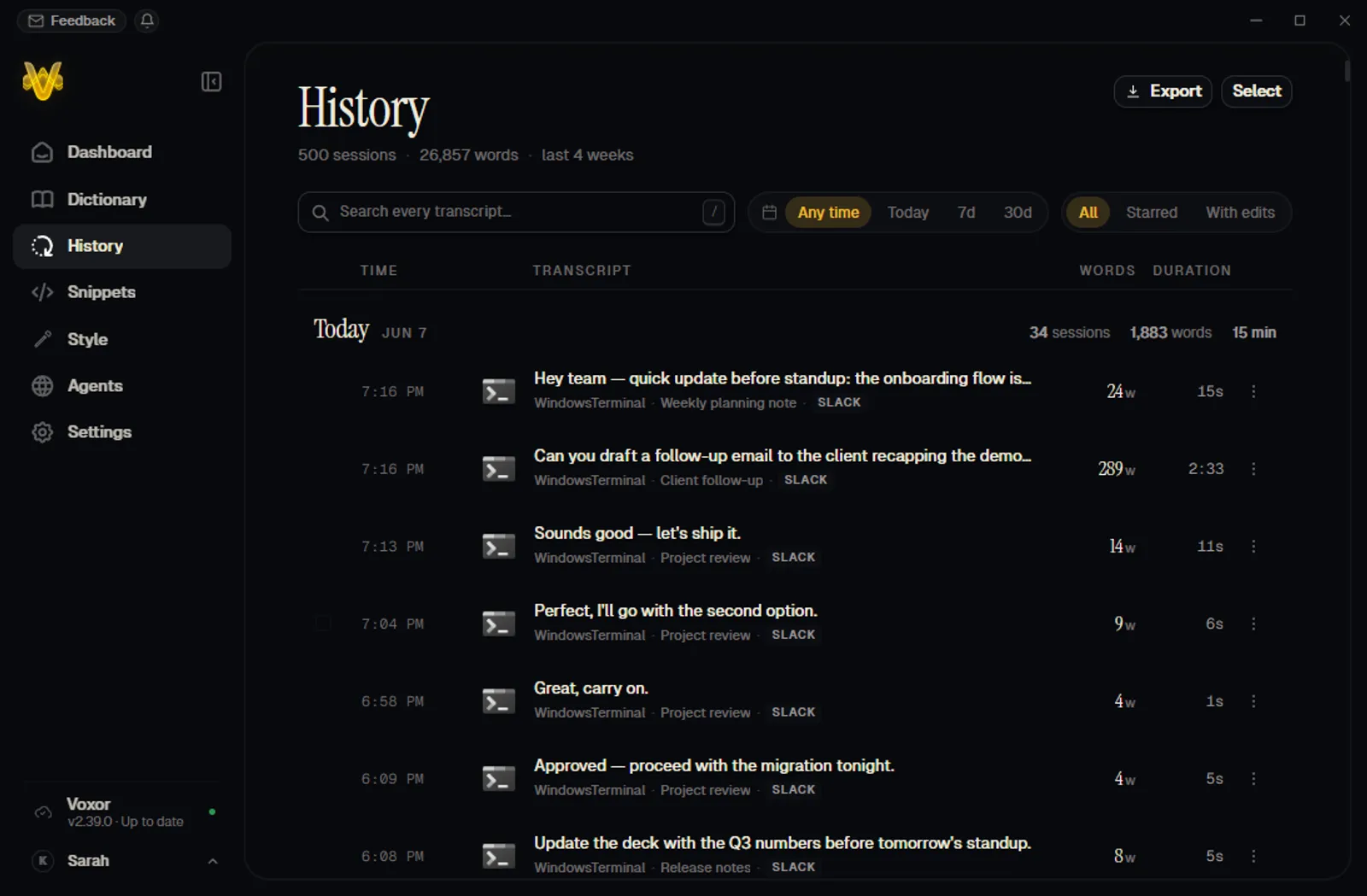
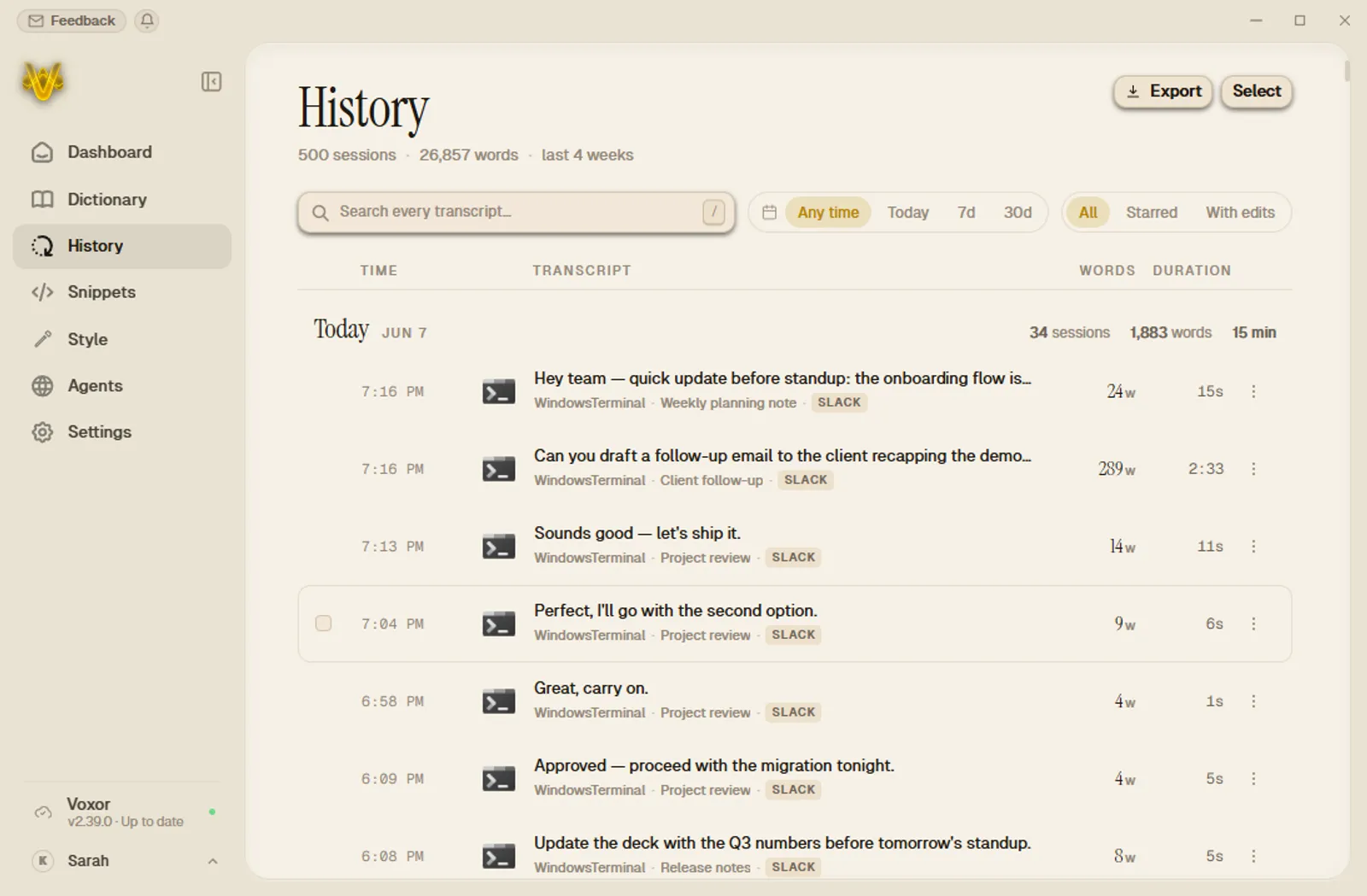
Real screenshots, real features, this is the actual app, in both of its themes.
Quick-add any highlighted text with a hotkey, extract jargon from your documents with AI, or let it learn from your own corrections.
History keeps a word-level diff between the raw transcript and the cleaned version, flip back to raw with one click, replay the audio anytime.
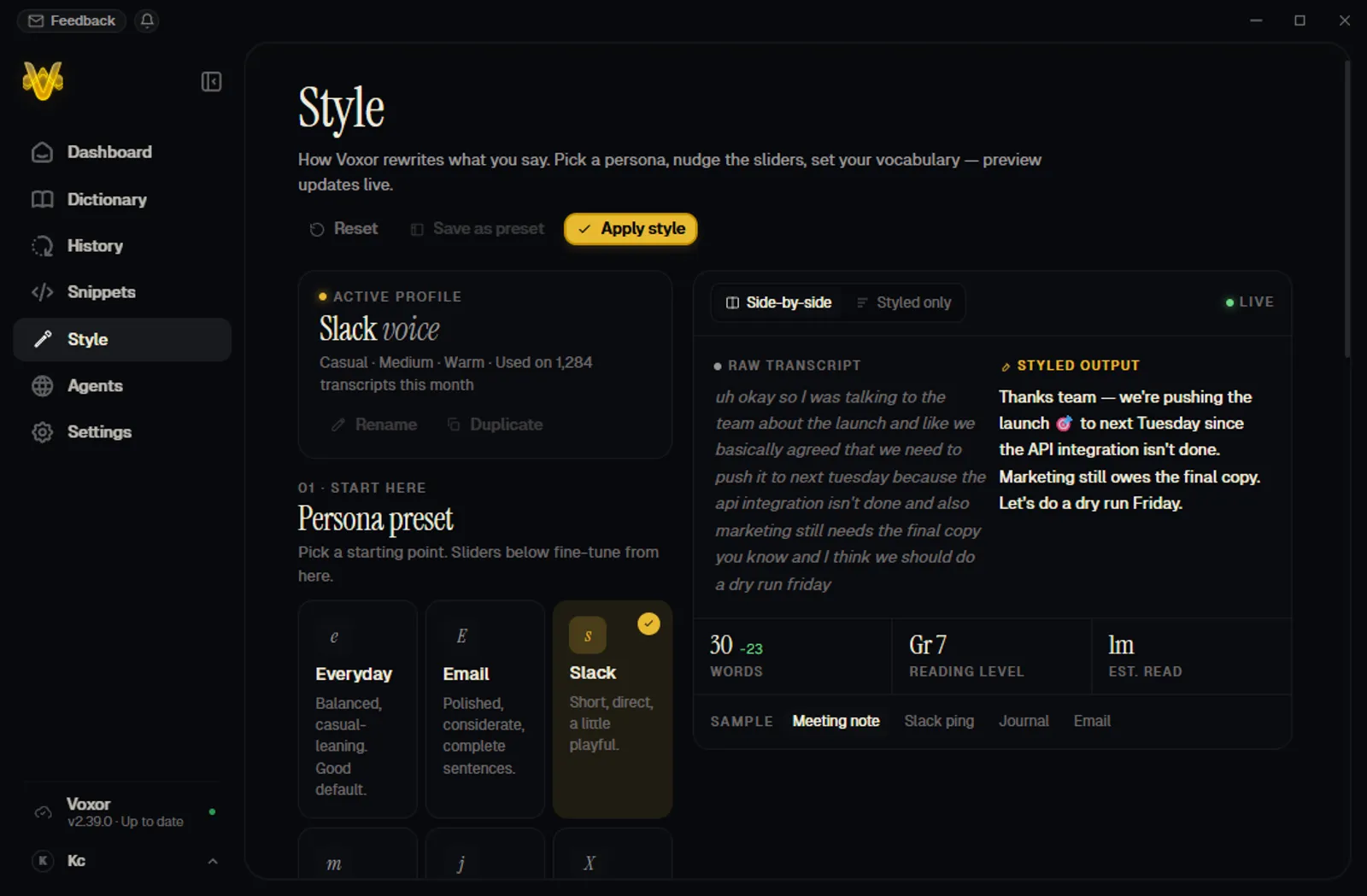
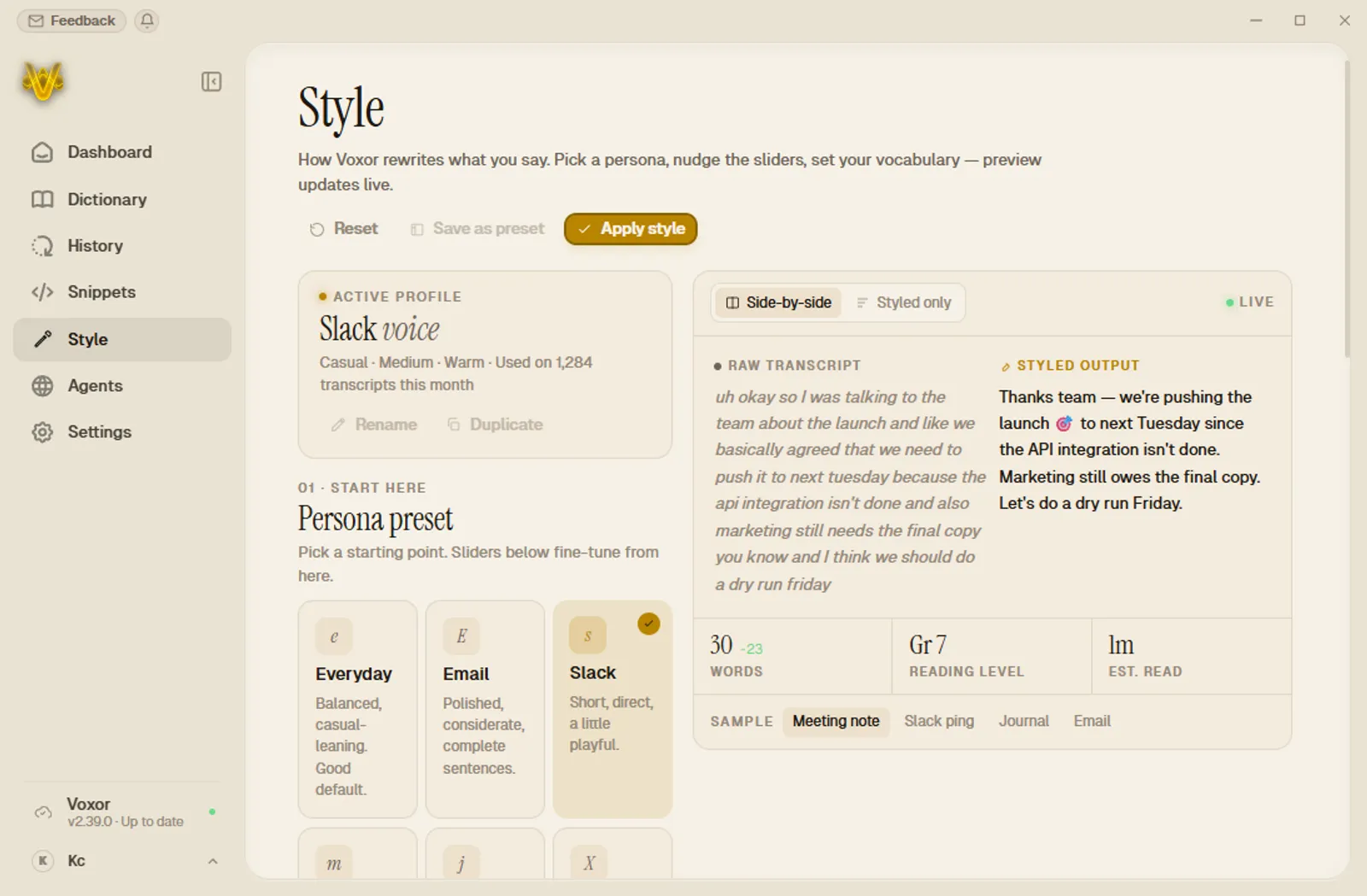
Style Studio: six personas plus sliders for formality, warmth and density, with a live before/after preview. Set it once, every transcript matches.
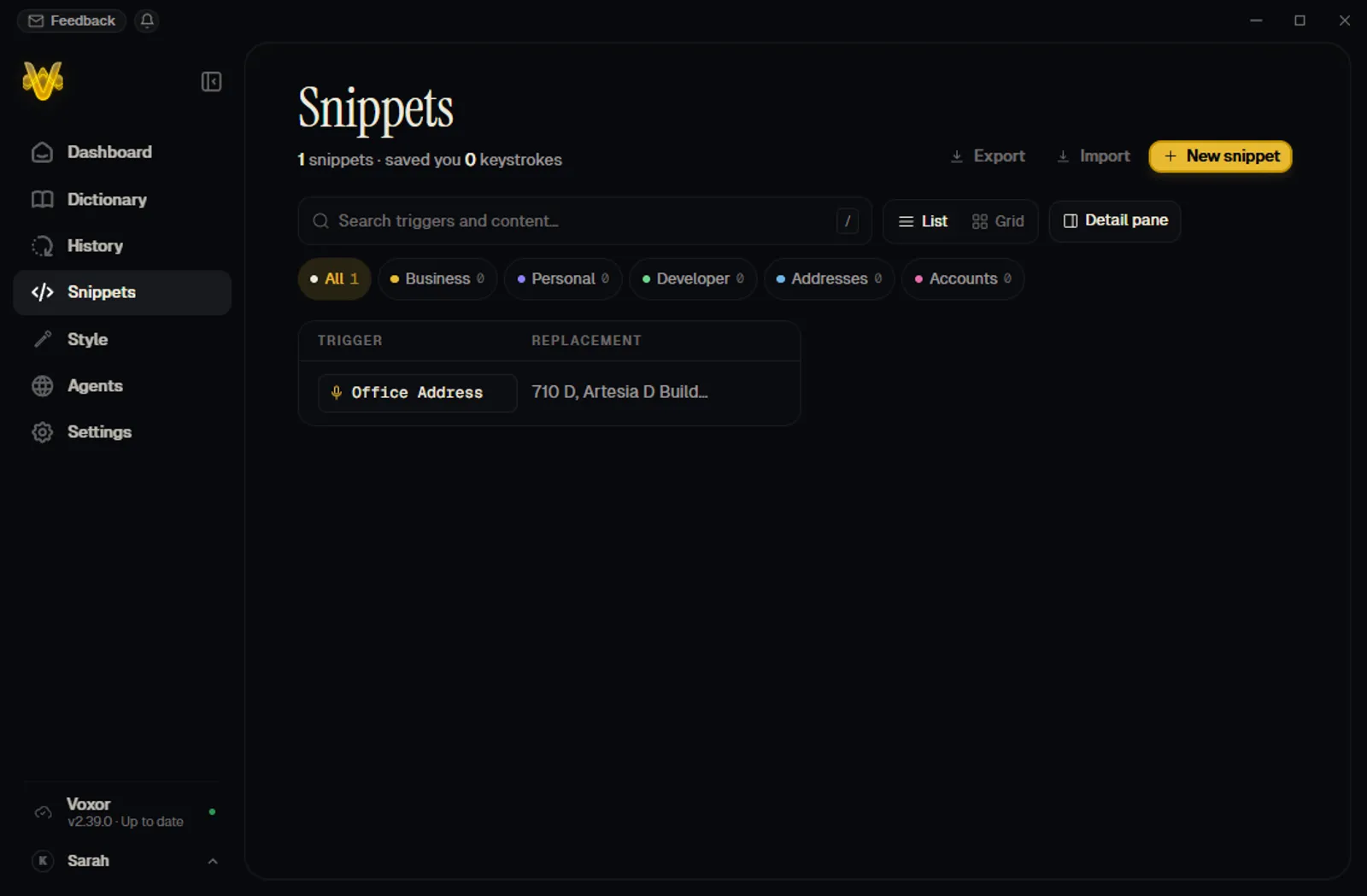
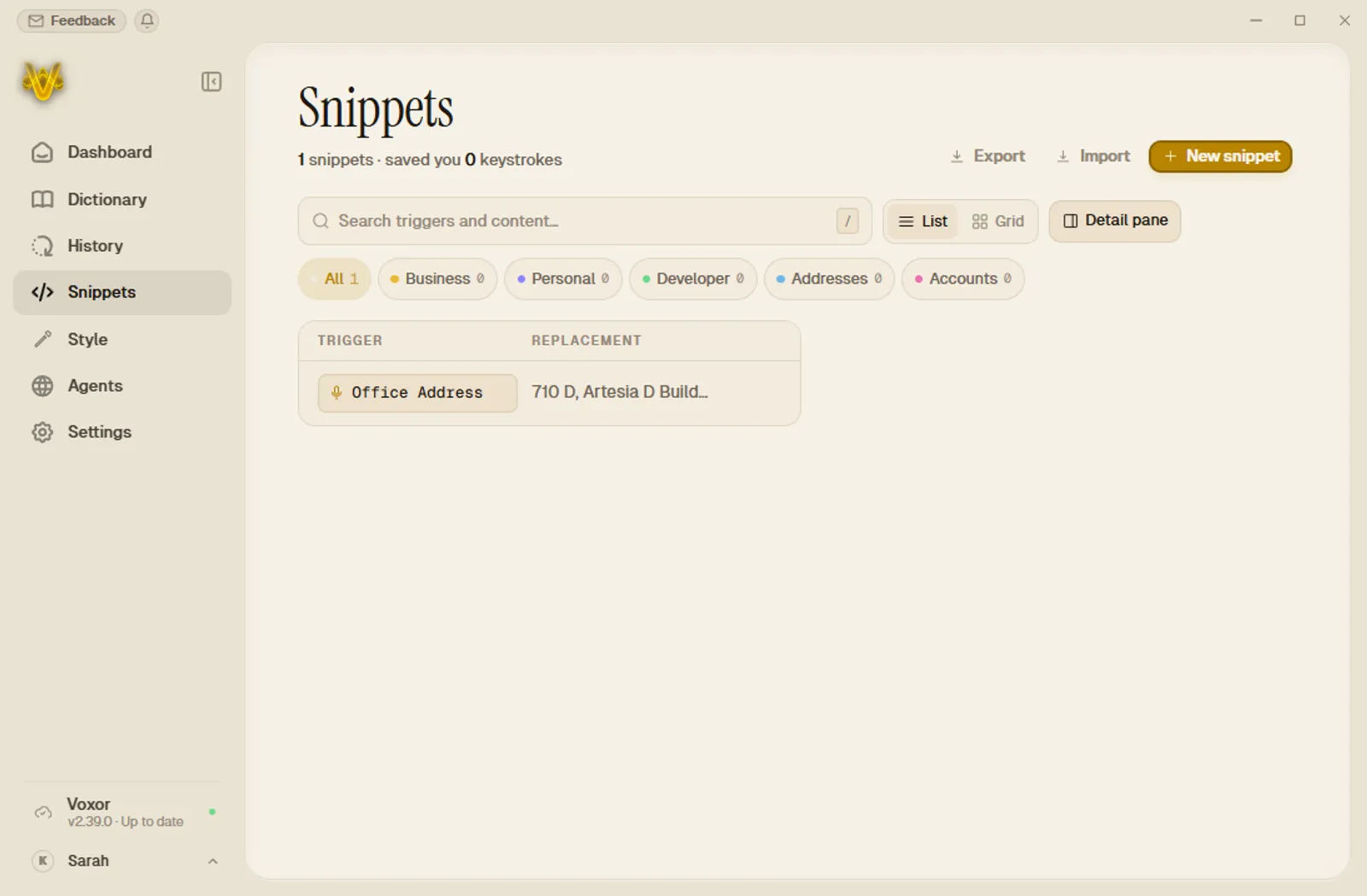
Voice snippets expand trigger phrases into full saved text: addresses, sign-offs, boilerplate. Synced across your devices.
Slack gets “hey”. Email gets “Dear”. Automatically, based on where your cursor is.
Think in Arabic, type in English. 100+ languages, translation runs offline in Local Mode too.
Voxor can see your screen, only when you allow it, so it spells your client’s name right the first time.
Audio is journaled to disk every second. Crash mid-thought? Recover and transcribe on relaunch.
Types where your cursor is, then restores your clipboard, text and images. Win+V history stays clean.
Spotify ducks itself when you start talking. Music and calls never bleed into your dictation.
[07] works everywhere you type
[08] every device you own
Windows and Mac are downloadable right now. The Android keyboard and iOS app are in beta, ask us for early access.
Windows 10/11 · x64 · NSIS installer
Apple Silicon · notarized DMG · Metal GPU
[09] the honest spec sheet
Everyone transcribes. Nobody else combines a true on-device stack with voice agents that act.
| capability | Voxor | Typical dictation apps |
|---|---|---|
| true local mode (win + mac) | Win + Mac | cloud-only |
| voice agents → webhooks | n8n / any HTTP | |
| hardware-matched local tiers | 4 tiers · auto-scan | |
| instruction mode | any app | ~ limited / add-on |
| screen context | opt-in | |
| win · mac · android · ios | mobile in beta | ~ 1-2 platforms |
| free tier | 2,000 wd/wk | ~2,000 wd/wk |
| pro price | $15 · $12 annual | $8-15/mo |
compared to typical cloud dictation apps · wd = words
[10] pricing
Try the whole loop, talk, polish, paste.
forever
Unlimited dictation, tuned to your voice.
billed annually
The full command deck.
billed annually
Prices in USD. Free tier needs no credit card. Plans manage at portal.voxor.ai.
[11] straight answers
Yes, turn on Local Mode and transcription runs fully on-device, with GPU acceleration (CUDA on Windows NVIDIA, Metal on Apple Silicon). The optional local AI engine also runs cleanup, translation and instruction mode offline. Word quotas check in with a 24-hour offline grace window, so a flight never bricks you.
In Local Mode, audio never leaves your machine, the code refuses to fall back to cloud rather than upload. In cloud mode, audio streams over TLS to voxor.ai for transcription. Incognito Mode adds timed toggles (5 min / 1 h / 24 h) that stop history, screenshots and logging. Screen context is off by default.
The Basic tier (a 75 MB model) runs on almost any laptop with 4 GB of RAM. Tiers scale up to Ultra for machines with 24 GB+ VRAM or higher-end Apple Silicon. Voxor scans your CPU, RAM and true GPU VRAM and recommends the right tier, you can override it anytime.
2,000 words per week, basic AI editing, and community support. No credit card needed. Upgrade to Pro for unlimited words, or Ultra for voice agents and the quick picker.
Windows 10/11 (x64) and macOS (Apple Silicon) are downloadable today. The Android voice keyboard and the iOS app are in beta, email support@voxor.ai for early access.
Give any agent its own hotkey and point it at an HTTP webhook (n8n, Make, Zapier, your own server) or a BGOS assistant. Hold the hotkey, speak, and Voxor sends the transcript, optionally with your highlighted text and a screenshot of the active window, to your endpoint, then shows the reply in a popup you can keep chatting with. For webhook agents, that context goes only to your endpoint, never through Voxor’s backend.
Yes, Voxor types where your cursor is in any app, then restores whatever was on your clipboard (text or images). There’s even a mode to keep transcripts out of your clipboard history.
Two minutes to install. One hotkey to learn. Every app you already use.
Free tier included · No credit card · Other platforms